
Introduction
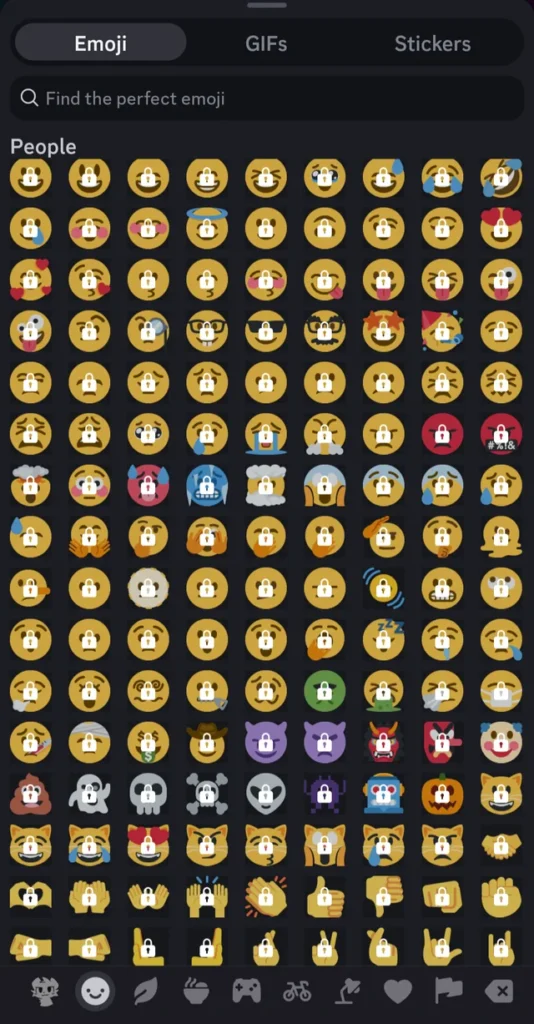
Discord has become one of the most popular communication platforms for online communities, gamers, content creators, and businesses. One of the best ways to make a server unique and engaging is by using custom Discord emojis. These personalized emojis help communities express emotions, create inside jokes, strengthen branding, and improve user interaction. Whether you run a gaming server, a fan community, or a professional workspace, custom emojis can significantly enhance the user experience.
What Are Custom Discord Emojis?
Custom Discord emojis are personalized emoji images uploaded directly to a Discord server. Unlike standard emojis available across all platforms, these emojis are exclusive to specific servers and can reflect the personality and culture of the community.
Server owners and administrators can upload custom emoji designs that represent memes, characters, logos, reactions, or community-specific symbols. Members can then use these emojis in conversations to communicate more creatively.
Benefits of Using Custom Discord Emojis
Custom emojis offer numerous advantages for Discord communities:
Improved Community Identity
Unique emojis help create a recognizable identity for your server. Members feel more connected when they can use emojis designed specifically for their community.
Better Communication
Visual expressions often communicate emotions faster than words. Custom Discord emojis make conversations more engaging and expressive.
Stronger Engagement
Members are more likely to participate in chats when they have access to fun and unique reaction options.
Branding Opportunities
Content creators and businesses can use custom emojis featuring logos, mascots, or brand-related graphics to reinforce recognition.
How to Create Custom Discord Emojis
Creating custom Discord emojis is easier than many people think.
Design the Emoji
Start by designing a clear image that looks good at small sizes. Popular design choices include:
- Funny faces
- Gaming icons
- Community mascots
- Meme references
- Animated reactions
Follow Discord Requirements
Discord typically requires emojis to:
- Be square-shaped
- Use PNG, GIF, or JPEG formats
- Stay within size limitations
- Maintain visual clarity at small dimensions
Upload to Your Server
Administrators can upload emojis through server settings. Once uploaded, all eligible members can use them in conversations and reactions.
Best Practices for Custom Discord Emojis
Keep Designs Simple
Since emojis appear at small sizes, avoid overly complex artwork. Simple designs remain recognizable and effective.
Maintain Consistency
Using a consistent art style helps create a professional and organized emoji collection.
Focus on Popular Reactions
Create emojis that represent commonly used emotions such as laughter, excitement, confusion, celebration, and surprise.
Update Regularly
Adding new custom Discord emojis keeps the server fresh and encourages continued engagement.
Common Uses for Custom Discord Emojis
Gaming Communities
Gaming servers frequently use custom emojis for achievements, characters, victories, and humorous reactions.
Streaming Communities
Streamers often create emojis based on memorable moments, catchphrases, and channel mascots.
Fan Clubs
Fan communities design emojis featuring favorite characters, celebrities, or content references.
Business Servers
Professional communities can use branded emojis to represent products, departments, or company culture.
Why Custom Discord Emojis Matter
In a competitive online environment, standing out is important. Custom Discord emojis provide a unique way to build culture, improve communication, and strengthen member loyalty. They transform ordinary conversations into interactive experiences that encourage participation and community growth.
Conclusion
Custom Discord emojis are more than simple graphics—they are powerful community-building tools. By creating personalized reactions, server owners can strengthen engagement, reinforce branding, and make conversations more enjoyable. Investing time in developing high-quality custom Discord emojis can dramatically improve the overall Discord experience and help your community thrive.
